How to Prevent Leaving Your iPhone Behind with Apple Watch
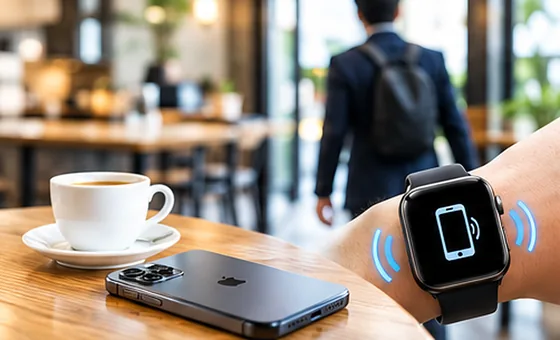
Most forgotten iPhones aren't actually lost. They are simply left behind. You put your phone on a café table, train seat, office desk or car console. Then your attention moves to something else and you walk away.

The key is noticing sooner
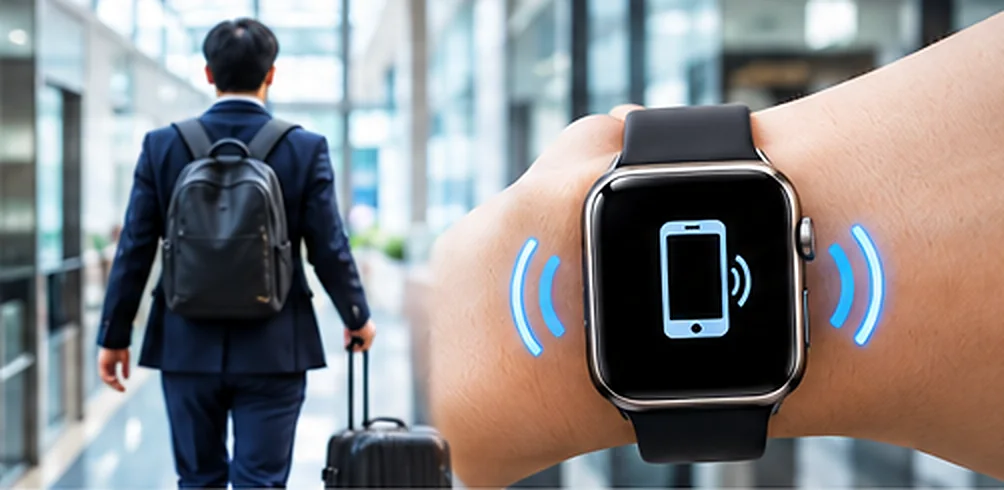
Trying harder to remember your iPhone isn't always enough. A better strategy is to create a system that helps you notice when you forget it. If you already wear an Apple Watch, your wrist is a natural place to receive that warning.
Use Apple's built-in features
Apple's Find My ecosystem includes features that can help users identify and recover devices and, where supported, receive separation notifications. Check the current settings available on your iPhone and Apple Watch.
Source: Apple's guide to Find My on Apple Watch
Add another layer of protection
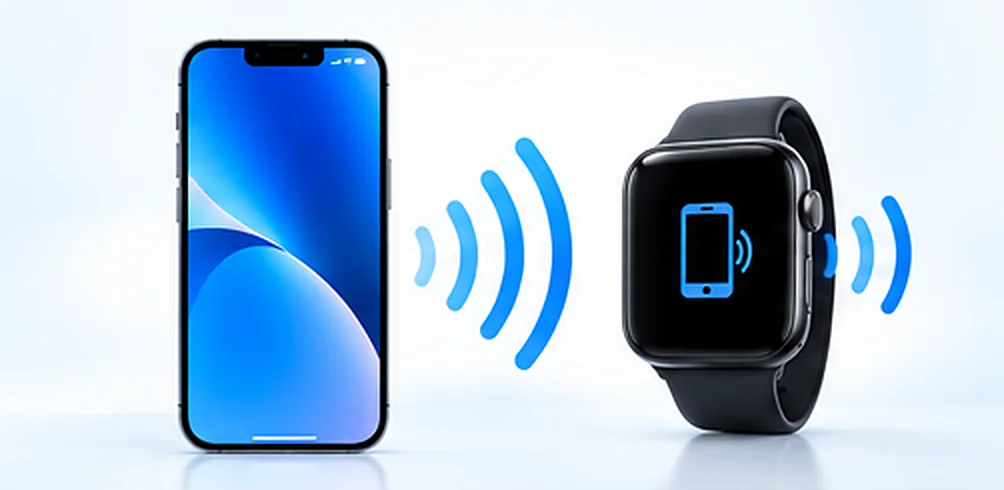
Phone Guardian is designed around a simple idea: use the relationship between your Apple Watch and iPhone to help you notice separation.
Combine multiple protections
For better protection, don't rely on only one method. Use Find My, enable appropriate notifications, develop a consistent place for your iPhone, and consider an Apple Watch-based separation alert.
Phone Guardian (iPhone Mamoru-kun) is an independent app and is not affiliated with or endorsed by Apple Inc. Apple, iPhone, Apple Watch and Find My are trademarks of Apple Inc. Wireless range and alert timing vary with your environment and settings.